

New site design
Fresh desktop and mobile experience
Cleaner navigation, bigger imagery and a more modern layout make finding and managing spaces easier across devices.
Where to find it: Across the new Sniffspace site
A safer, simpler and friendlier Sniffspace is on its way. Discover everything new for dog lovers and space hosts — without losing what you already love.
From easier sign-ins and thoughtful gift cards to better bookings, host controls and messaging, here’s what you can look forward to.
A first look at the new site design with desktop and mobile views side by side.
Cleaner navigation, bigger imagery and a more modern layout make finding and managing spaces easier across devices.
Host forms, listing cards and account screens have been refreshed so the important actions stay clear on desktop and mobile.
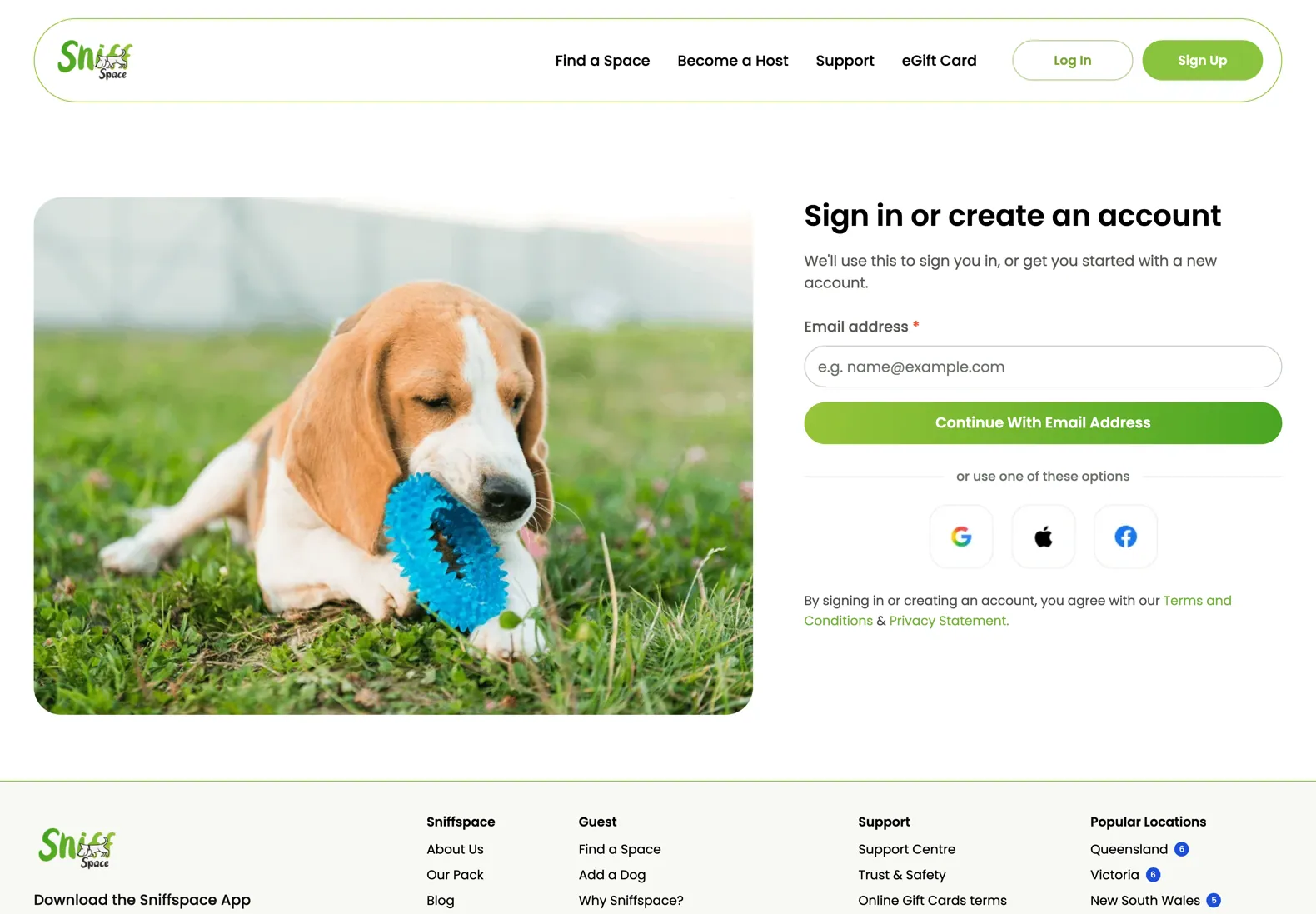
The sign in page has a calmer layout, clearer fields and social options that are easier to scan.
Booking details use stronger spacing and clearer hierarchy so visit information is easier to review.
Conversation screens have clearer message spacing, stronger actions and a friendlier mobile layout.
Smaller screens get the same polished treatment, with compact controls and readable conversation details.
Account access and security features grouped together.
Sign in without remembering a password. Google, Apple and Facebook sign-in are still available.
Add an extra layer of protection using a six-digit code from an authenticator app.
Once two-step verification is enabled, use your face or fingerprint to sign in on supported devices.
See where your account is active and sign out of one device, or every device at once.
Request account deletion with an email code, with seven days to contact support if you change your mind.
Follow the new Sniffspace booking journey, from exploring spaces to payment and viewing your confirmed booking.
Enter a location, explore matching Sniffspaces and narrow the results with the available filters.
Open a listing and review photos, space details, dog requirements, facilities, location and any host booking conditions.
Choose the visit date and the available check-in and check-out times. Review the selected duration and availability before continuing.
Select the dog or dogs joining you, check the guest and booking information requested, and provide any required details.
Confirm the space, date, time, participating dogs and total price. Apply a coupon or gift card when available before payment.
Choose the supported payment option, review the final payable amount and submit payment securely.
After successful payment, see the booking confirmation and important visit information.
Find the booking in your account to review the time, amount and available booking actions.
New host tools and refreshed host screens grouped together before the gift card journey.
Set the amount of time you need between one booking ending and the next beginning.
Create or update a space from one clearer setup page, with space details, photos, booking controls and save actions easier to follow.
Decide how much advance notice guests need before booking your space.
Large phone photos are resized before uploading for easier space-photo management, and up to 20 photos can be uploaded in a single attempt.
Names, descriptions, prices and booking settings are checked with clearer feedback while hosts create a space.
Set dogs allowed per booking, hourly duration and pricing details in a clearer host workflow.
Define your own rules for guests visiting your space — from dog behaviour expectations to access conditions — so every booking starts with clear, agreed terms.
From choosing a gift to sending it to someone special, discover the new Sniffspace eGift Card journey step by step.
Head to the eGift Card area and select Buy a Gift Card to start creating a gift for a dog lover.
Pick one of the available preset amounts or enter a custom value where offered. The selected amount appears in the gift card form.
Make the email feel personal by choosing Birthday, Christmas, Mother’s Day, Father’s Day or Just Because.
Fill in the name and email information requested in the gift card form. Add a personal message if you’d like.
Choose immediate delivery or set a future date for the gift card to arrive — perfect for birthdays and celebrations.
Check the amount, occasion, recipient and delivery timing before continuing with the gift card purchase. After the purchase is completed, delivery follows the option you selected.
Later, open eGift Card → Check Balance and enter the gift card code to see the remaining value and how it has been used. Sniffspace also sends expiry reminders.
The things you already use, made better.
The charged amount is checked against the displayed price, including card or PayPal payments, coupons and gift cards.
Extra safeguards help prevent double bookings, double charges and duplicate booking emails.
Bookings, reminders and deadlines use the space’s local time, including daylight saving changes.
Email, SMS and app reminders are tracked separately to help avoid duplicate notifications.
Improved colour contrast, screen-reader labels and clearer status messages.
Enjoy the same core experience across web, iPhone and Android.
Over 1,200 issues were found and fixed before launch. Here are some of the everyday improvements you’ll notice.
Blocked host hours are respected; invited friends see only their own invitation.
No accidental duplicate accounts; existing social logins match the correct account.
More consistent search results, dog-size filters and home-page counts.
Vaccination reminders arrive at the right time instead of together.
Clearer payment, confirmation, reporting and email-change screens.
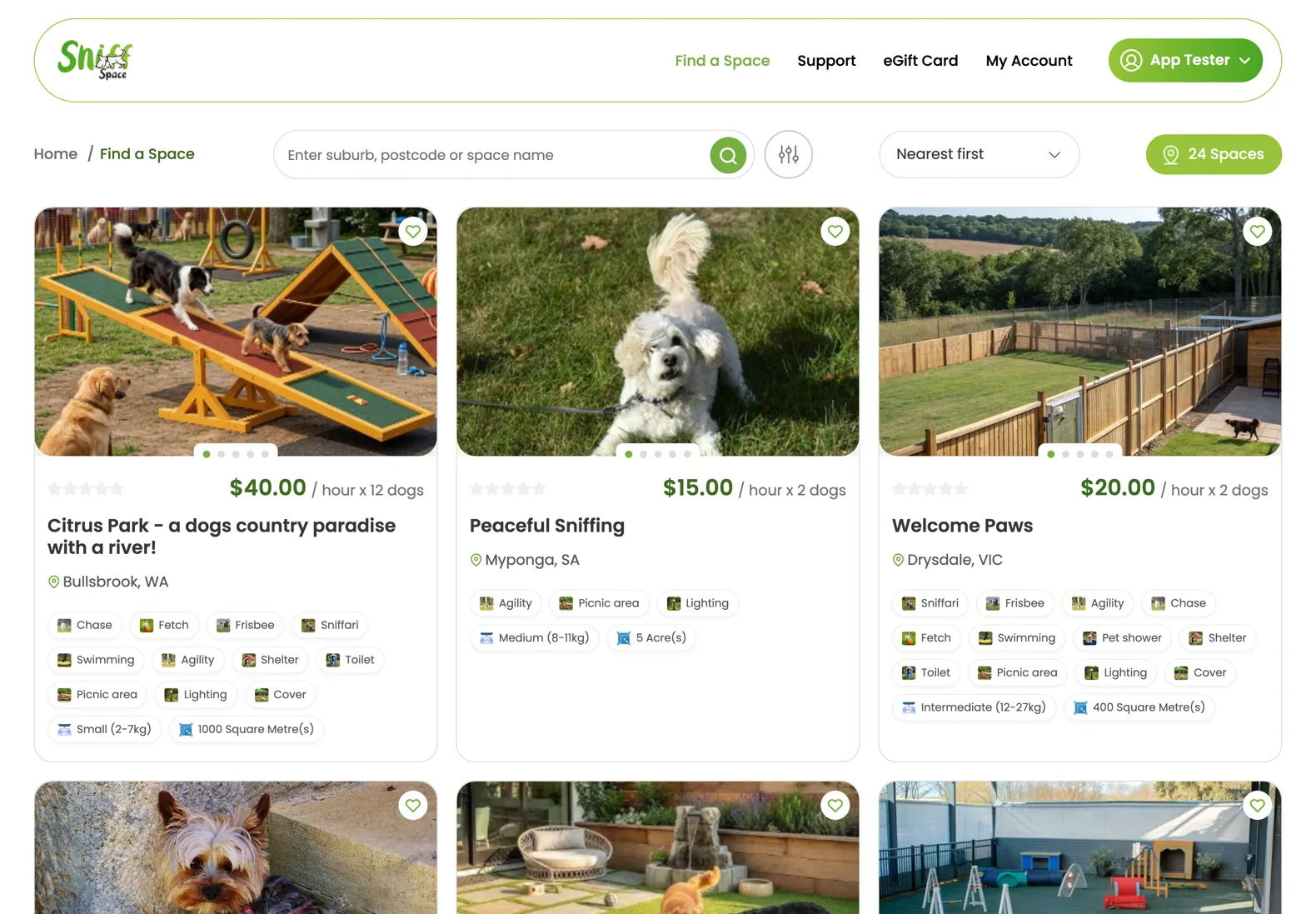
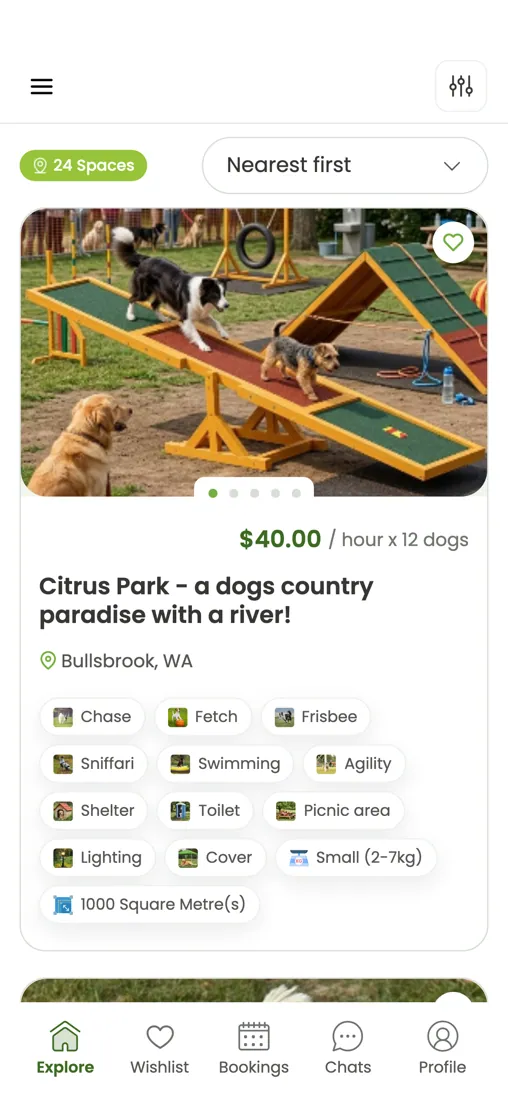
Relevant search and listing screens to support the fixes to search consistency, dog-size filtering and listing counts.
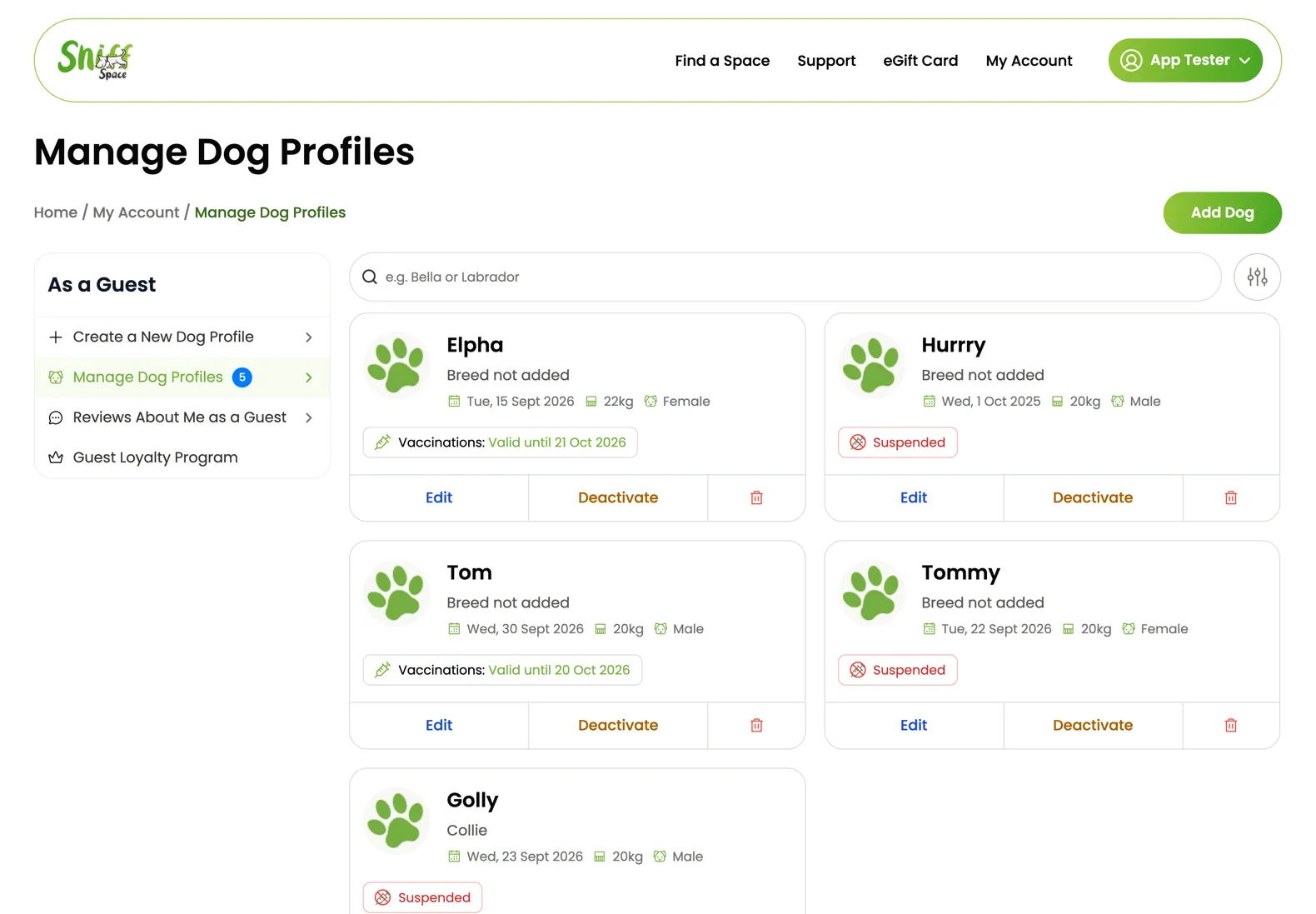
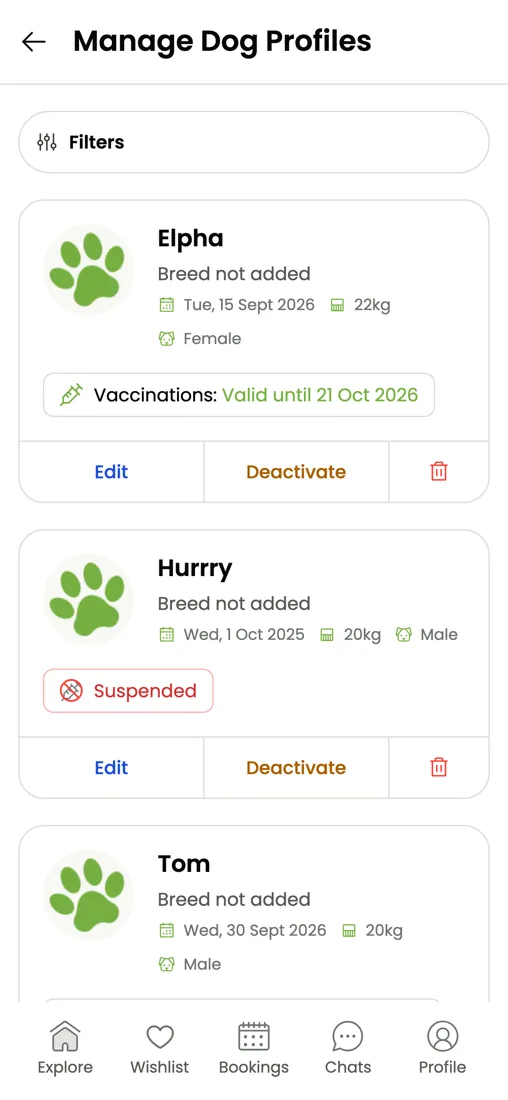
Dog profile visuals better match the vaccination reminder and suspended-status improvements described in this section.
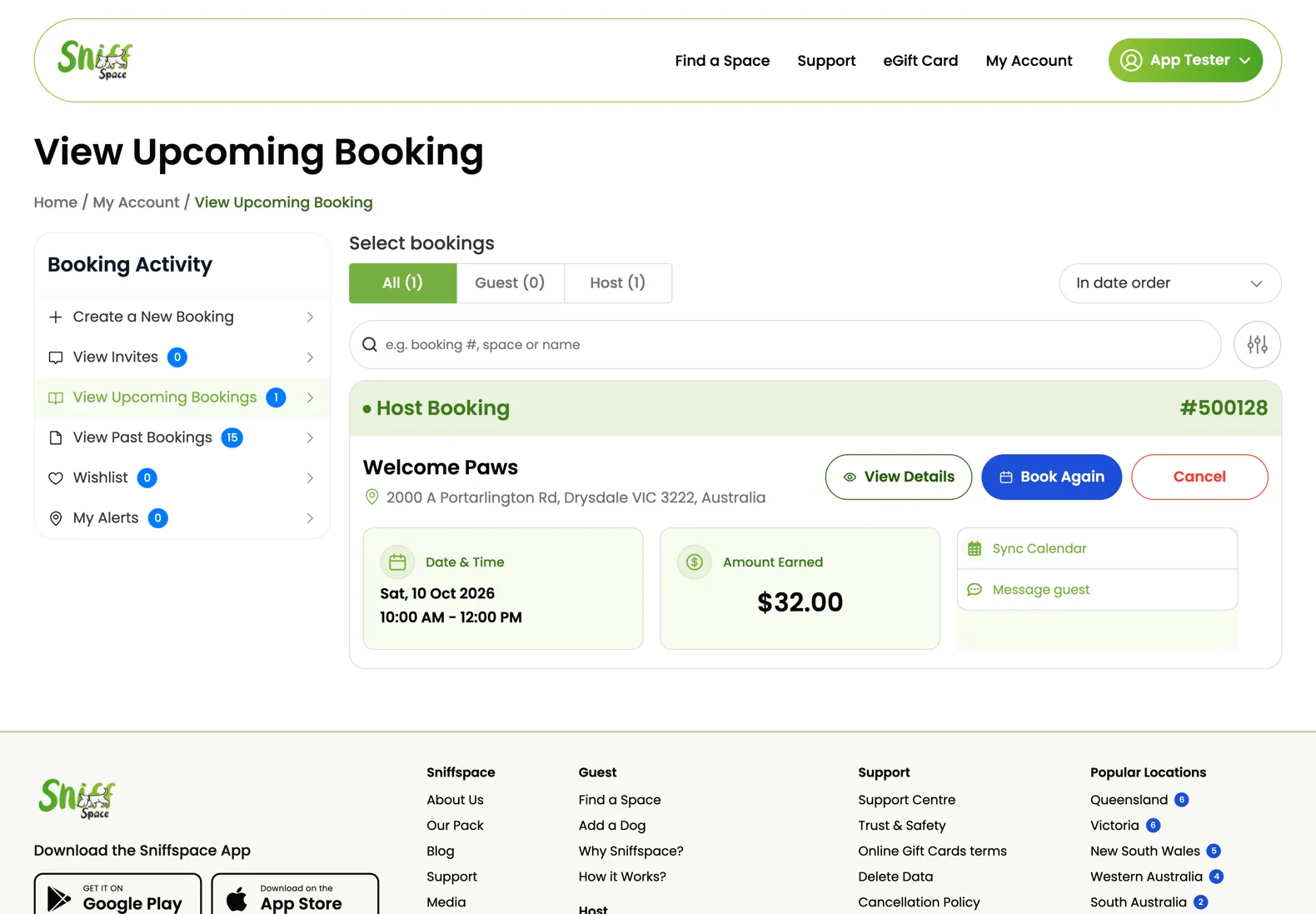
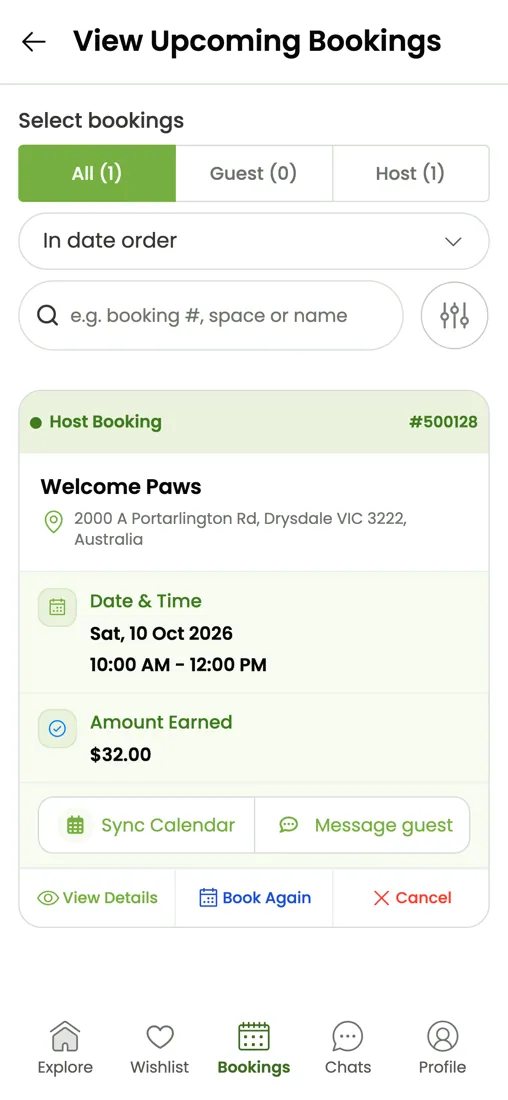
A clearer everyday-booking view feels more relevant here than the previous large image and helps ground the general screen-fix updates.
We’re making Sniffspace better, not starting over. Your existing account and important details carry over to the new experience.